
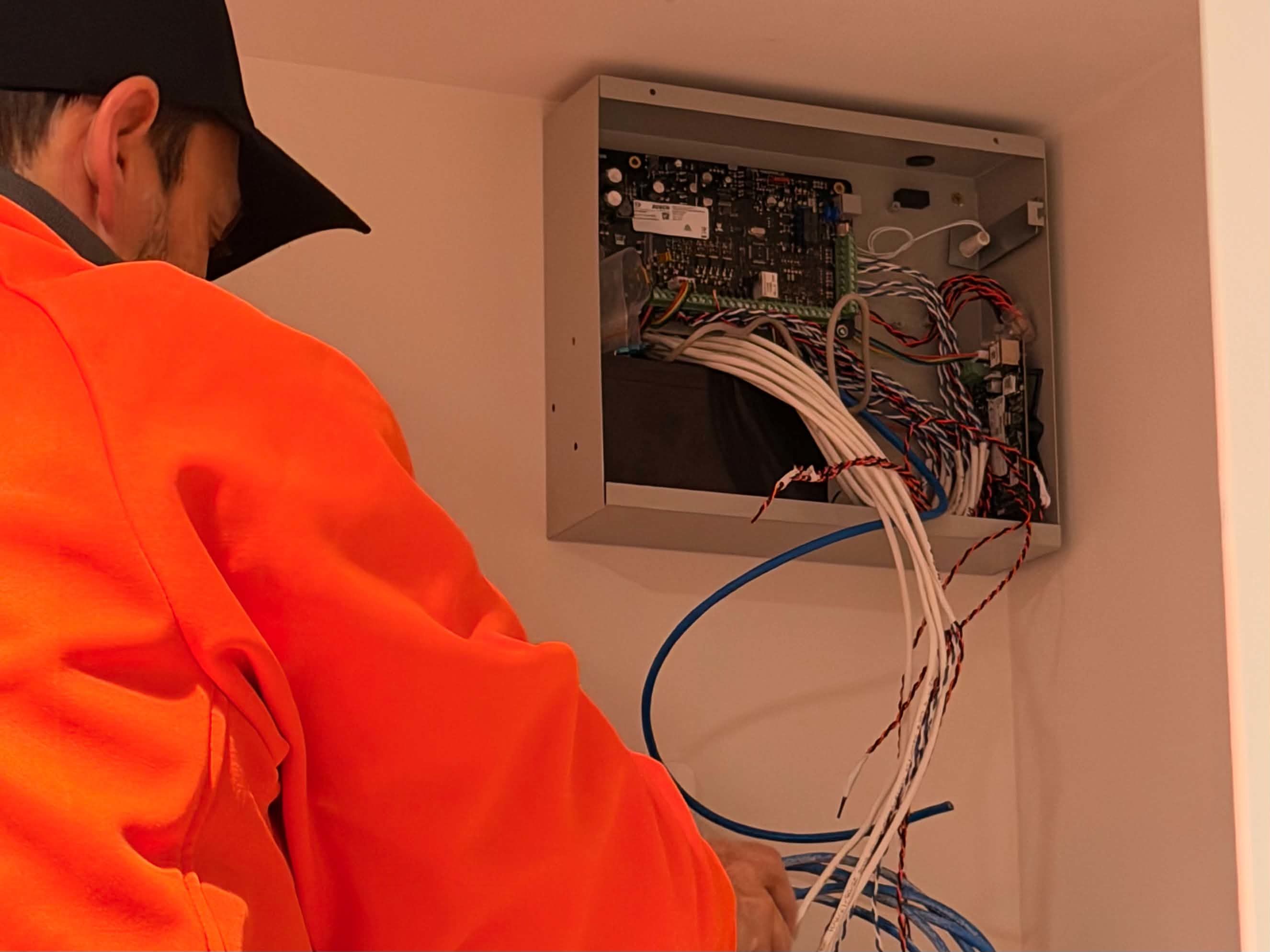
Commercial security systems do not need to fail completely before an upgrade becomes worth considering.
Recurring faults, unsupported equipment and changing site requirements can gradually reduce the protection and reliability a system provides.
Recognising the warning signs early gives a business time to compare repair and replacement options, plan expenditure and complete the work with less disruption.
Repair, replace or upgrade?
Not every fault justifies a new system. A well-supported platform that still meets the site's needs may only require repair, reprogramming or planned maintenance.
An upgrade becomes more practical when faults are recurring, important equipment is obsolete or the existing platform can no longer support current operations. The decision should consider the condition of the entire system, not simply the age of one component.
1. Equipment is obsolete or no longer supported
Older alarm panels, recorders, access controllers and intercom systems can remain operational long after the manufacturer has reduced or ended support. The problem often becomes clear only when a component fails and a compatible replacement is difficult to obtain.
Unsupported software, unavailable parts and limited technical support can turn an otherwise minor fault into a larger operational problem. Planning an upgrade before that point provides more control over product selection, budgeting and installation timing.
2. Faults keep returning
Repeated service visits for the same recorder, power supply, communications path, door or alarm zone can indicate a wider lifecycle issue. Individual repairs may restore operation temporarily without addressing the underlying limitations of the system.
Reviewing service records can reveal whether repair costs and downtime are increasing. When reliability continues to decline, planned replacement may be more economical and less disruptive than waiting for the next urgent failure.
3. CCTV footage no longer meets operational needs
A camera system can be recording and still provide limited value. Poor image detail, weak night performance, unreliable playback or insufficient retention may prevent footage from answering the questions a business expects it to answer.
Site changes also matter. New racking, machinery, walls, entrances or work areas can create blind spots that did not exist when the system was designed.
4. Access control has reached its limits
An access control system may become difficult to manage as a business adds doors, users, schedules or locations. Limited capacity, slow administration and dependence on an outdated computer can make routine changes unnecessarily complicated.
Modernising the platform can provide clearer event records, more practical user management and room for future expansion. Any upgrade should also consider the condition and operation of the doors, locks, readers and safe-egress arrangements connected to it.
5. Remote management is unreliable or impractical
Businesses increasingly expect authorised personnel to review events, manage users or access security systems without being physically present at each site. Older systems may rely on ageing software, a dedicated local computer or network arrangements that are difficult to maintain.
Remote access should be selected and configured carefully. Convenience should not come at the expense of controlled permissions, supported software, appropriate password practices and coordination with the organisation's IT requirements.
6. The site or its risks have changed
Security systems are designed around the way a site operates at a particular point in time. Building extensions, tenancy changes, new production areas, altered operating hours and increased vehicle or staff movements can all make the original design less effective.
An upgrade is an opportunity to reassess coverage and system operation against current risks. It should not simply replace old devices in the same positions without considering what has changed around them.
7. The system cannot support future plans
A platform may still perform its present function but lack the capacity, compatibility or management tools required for planned growth. This can affect businesses preparing to add doors, cameras, buildings, sites or centralised administration.
Considering future requirements before selecting replacement equipment can prevent another premature upgrade. The aim is not to purchase unnecessary capacity, but to choose a supported platform with a sensible path for expansion.
A full replacement is not always required at once
Commercial security upgrades can often be staged around budgets, operational priorities and site access. High-risk or unreliable areas may be addressed first, followed by lower-priority equipment in later stages.
Where practical, compatible cabling, locks, cameras or field devices may be retained after testing. In other situations, keeping ageing equipment can limit the reliability or capabilities of the new platform.
The important point is to begin with an overall upgrade plan. This helps each stage contribute to the intended final system rather than creating another collection of disconnected components.
What should an upgrade assessment consider?
A useful assessment should look beyond a list of old devices. It should consider the system's present condition, the way the site operates and what the organisation needs from the replacement.
- Current faults, recurring service issues and equipment condition
- Manufacturer support, parts availability and software compatibility
- CCTV coverage, image quality, recording capacity and retention needs
- Alarm detection, monitoring communications and site operating procedures
- Access-controlled doors, credentials, user management and safe egress
- Network, remote-access and cybersecurity requirements
- Potential reuse of suitable cabling and field equipment
- Staging, shutdowns, site access and continuity during the changeover
- Future expansion, integrations and multi-site management requirements
Plan the changeover before failure forces the timing
A planned upgrade allows equipment, programming, site access and any required downtime to be coordinated in advance. For operational sites, the old and new systems may be able to run together during parts of the changeover so protection can be maintained.
The correct approach depends on the existing system and the site's risks. Early planning gives the business more options than an urgent replacement after a critical panel, recorder or controller has already failed.
Commercial security system upgrades
In Line Electronics assesses, designs and delivers staged or complete electronic security upgrades for commercial and industrial sites across Melbourne and the Mornington Peninsula.
Security System Upgrades | Service & Maintenance | Recent Projects
Discuss Your Security System Upgrade Requirements
If your existing system is becoming unreliable, difficult to support or no longer suitable for the site, In Line Electronics can assess the installed equipment and recommend a practical upgrade approach.
Get in Contact